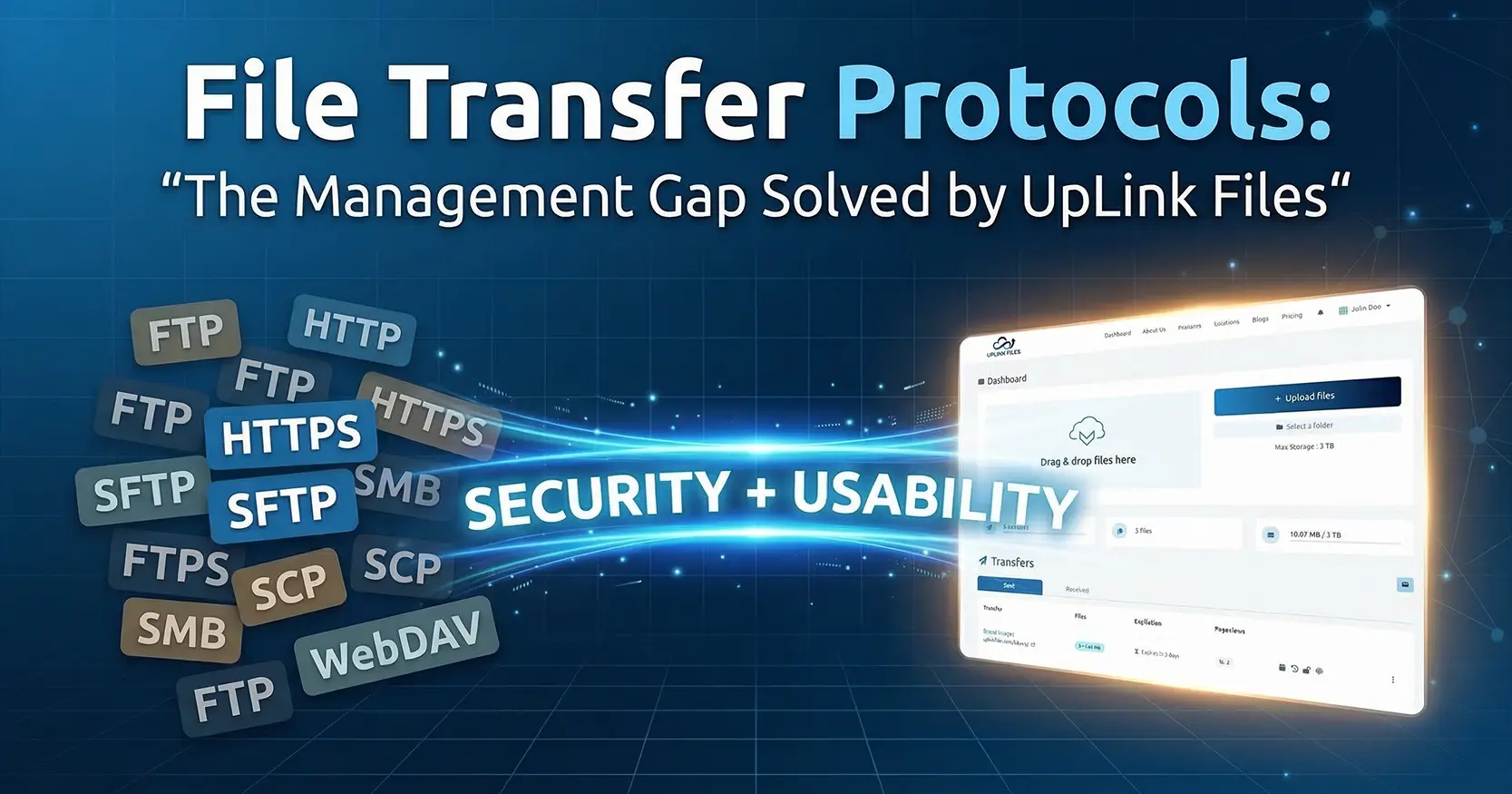
File Transfer Protocols: The Management Gap Solved by UpLink Files
Created on 22 April, 2026 • 425 views • 5 minutes read
Every file transfer relies on a protocol, which is a digital rulebook that governs how data moves from one system to another. These rules form the foundation of business file exchange and determine how secure or vulnerable your transfers are.
However, protocol choice alone isn’t enough. Secure file transfer depends not only on the encryption method used, but also on how that protocol is managed, monitored, and controlled. In this post, we’ll cover the most common protocols businesses rely on today, where each one falls short, and how a managed platform like UpLink Files fills the critical gap between security and usability.
This article focuses on the standards most frequently used or misused by organizations of all sizes.
The Protocols That Define Your Risk Level

The protocol you use determines not just how files move, but how much risk your organization takes on. Below are the four protocol categories every business should understand, and the limitations that make them incomplete on their own.
The Insecure Classic: FTP (File Transfer Protocol)
FTP is one of the oldest and most common file transfer methods. It works through two channels: a control connection (port 21) and a separate data connection (port 20 or a dynamically assigned port). This design allows efficient data movement but offers no protection for the data itself.
The main issue with FTP is that it transmits everything in plain text, including file contents, usernames, and passwords. Anyone monitoring network traffic can easily intercept or manipulate these transmissions.
In today’s environment, that makes FTP an immediate compliance risk. It may still be used for public or non-sensitive files, but for any business data involving privacy, integrity, or regulation, FTP is unsafe and outdated.
The Web Standard: HTTP/HTTPS (Web Transfer)
HTTP is the foundation of most online activity, including browser-based file uploads and downloads. It allows straightforward communication between client and server, but, like FTP, sends data in plain text.
HTTPS improves this by wrapping HTTP traffic in SSL/TLS encryption, with the “S” that signifies a secure connection. This makes it suitable for common web activities such as e-commerce transactions and simple file submissions.
However, HTTPS was never designed for complex, high-volume, or automated transfers. It lacks built-in support for integrity checks, resumable uploads, or bulk file operations. Most importantly, it offers little visibility or control once files are transferred.
While HTTPS protects data during transit, it does not provide the auditing, management, or automation capabilities needed for compliance-driven or large-scale business exchange.
The Secure Benchmark: SFTP and FTPS
SFTP (Secure File Transfer Protocol) is the modern standard for professional and automated file exchange. It operates over the Secure Shell (SSH) protocol on port 22, creating a single encrypted channel for both commands and data. It also supports key-based authentication, which adds another layer of protection beyond passwords.
FTPS (File Transfer Protocol Secure) is a modified version of FTP that adds SSL/TLS encryption. While secure, it requires multiple ports for control and data transfer, which complicates firewall configurations and maintenance.
SFTP remains the most stable and flexible option for secure business transfers. However, using SFTP successfully still requires effective management, as access control, monitoring, automation, and troubleshooting all fall outside the scope of the protocol itself.
The Flawed Alternatives: SCP, SMB/CIFS, and WebDAV
SCP (Secure Copy Protocol) uses the same SSH foundation as SFTP and provides basic encryption. However, it lacks advanced functionality such as directory management, file resumption, or transfer verification. It is best suited for quick, manual file copies rather than structured workflows.
SMB/CIFS (Server Message Block) is a local network sharing protocol, most often seen in Windows environments. It works well inside closed systems, but becomes a serious risk if exposed to the internet. SMB is not designed for secure external file exchange.
WebDAV (Web Distributed Authoring and Versioning) extends HTTP/HTTPS to allow collaborative file management over the web. While useful for small-scale document sharing, it is slow for large transfers and lacks the centralized logging and automation features that compliance frameworks require.
These alternatives offer convenience but fail to meet enterprise-level demands for auditability, scalability, and control. They work for internal teams or ad-hoc sharing but not for regulated, client-facing environments.
The Critical Gap: Protocol vs. Platform

Even when using SFTP, the most secure standard, many organizations stop short of full protection. That’s because SFTP is a protocol, not a platform. It handles encryption between two points but doesn’t manage the business process around those transfers.
To maintain compliance and reliability, a complete system must also address what SFTP leaves out:
- Auditability: Every file movement must be tracked with clear, time-stamped records that can’t be altered.
- Access Control: Administrators need to easily assign and manage permissions to ensure users only access authorized files.
- Client Simplicity: End users, including clients without technical expertise, should be able to upload and download securely without additional software or configuration.
Without these features, even the most secure protocol can still create headaches for IT teams and expose businesses to operational or compliance risks.
UpLink Files Solution: Protocol Complexity, Managed

UpLink Files bridges the gap between security and usability. We build on proven protocols like SFTP and FTPS, managing their complexity behind the scenes so your team and clients experience only smooth, secure transfers. Instead of spending IT hours configuring ports, maintaining access lists, and troubleshooting failed uploads, your organization gains a fully managed environment where transfers are automated, monitored, and verifiable.
UpLink Files brings the reliability and encryption of SFTP together with the simplicity of an enterprise-grade Managed File Transfer (MFT) platform. That means every transfer is logged, every user has the right access, and every file reaches its destination without manual oversight or configuration issues. With UpLink Files, security, speed, and simplicity exist in one place.
Stop Troubleshooting, Start Transferring
SFTP remains the secure benchmark for modern file transfer, but to achieve true reliability, compliance, and ease of use, businesses need more than a protocol, they need a managed platform. UpLink Files provides that solution.
The management and security levels for high-compliance transfers are already built in. Experience consistent, reliable & secure file transfers without the configuration headache.
Transfer Your Files Now!If you are interested in learning about the specialized protocols used in finance, EDI, and systems management, continue to Part 2 of this series.
Popular posts
-
-
-
Advanced Protocols: The Technical Deep Dive• 405 views